How to film product videos without showing your face
Prepare real-use scenes, understandable shots and editing that keeps the product at the center.
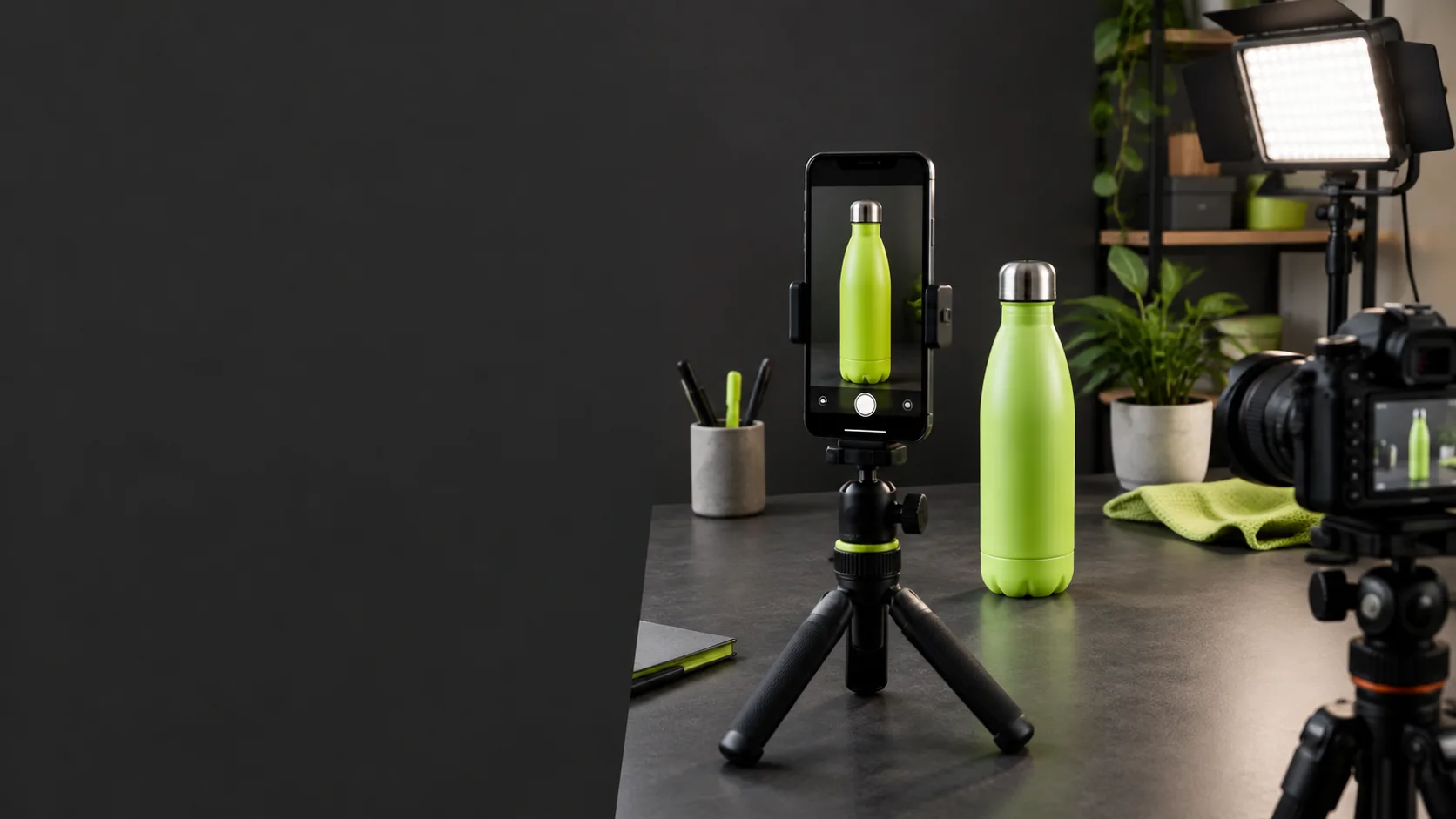
Prepare a demonstration that does not need your face
Staying off camera does not mean hiding information. The product, your hands and the setting can explain a task clearly. Choose a specific function and decide what someone needs to see: how it opens, what it contains or how it is used. Begin with a scene list rather than editing effects.
Remove distracting objects and make sure no personal information, customer screens or project documents appear. Prepare the product as the buyer will receive it. If you show optional accessories, identify them clearly so viewers do not assume they are included. Simple, accurate filming is often more useful than an impressive setting that fails to explain use.
Take care of light, stability and scale
Position the phone securely and check the framing before recording. Even lighting reveals materials and edges without distorting colors. Avoid reflections hiding the detail you want to demonstrate. Record a short test and check focus, sound and packaging legibility. You do not need complicated equipment before understanding the scene’s requirements.
To show size, use an understandable reference that stays consistent across shots. Keep product and hand orientation clear so viewers can follow the task. Record a wider view to explain the setting as well; isolated close shots can be confusing. If use requires several steps, show them without hiding anything that affects the result.
Explain with voice, text or both
Voiceover can connect shots without a person appearing. Write short sentences containing verified facts and avoid using enthusiasm to cover missing evidence. If you prefer text, use readable messages that do not obscure the product. Check subtitles and allow enough time to understand each idea. The explanation should match what actually happens on screen.
Use only audio you own or have licensed for the destination channel. A song appearing in a reference post does not authorize using it in an advertisement or another setting. Check visible brands, photographs and backgrounds too. If you are an affiliate, include required commercial disclosures. Filming without showing your face does not remove those responsibilities.
Edit for clarity rather than exaggeration
Choose shots that help explain the function and remove unnecessary repetition. Avoid speed changes or cuts that imply performance different from reality. Review the entire piece to ensure product, variant and accessories remain consistent. The final CTA can invite someone to check listing details without inventing scarcity or discounts.
Prepare your own white-background images and organize references in Extracta. Script generation and automatic analysis remain in preparation; creative work is currently manual. Keep labeled originals and exports so you can review the material again. Before publishing, check rules, permissions and accuracy. Faceless filming aims to communicate the product better, not guarantee sales or copy other creators.
Prepare references and your own media
Start with available tools. Automatic analysis and scripts: coming soon.